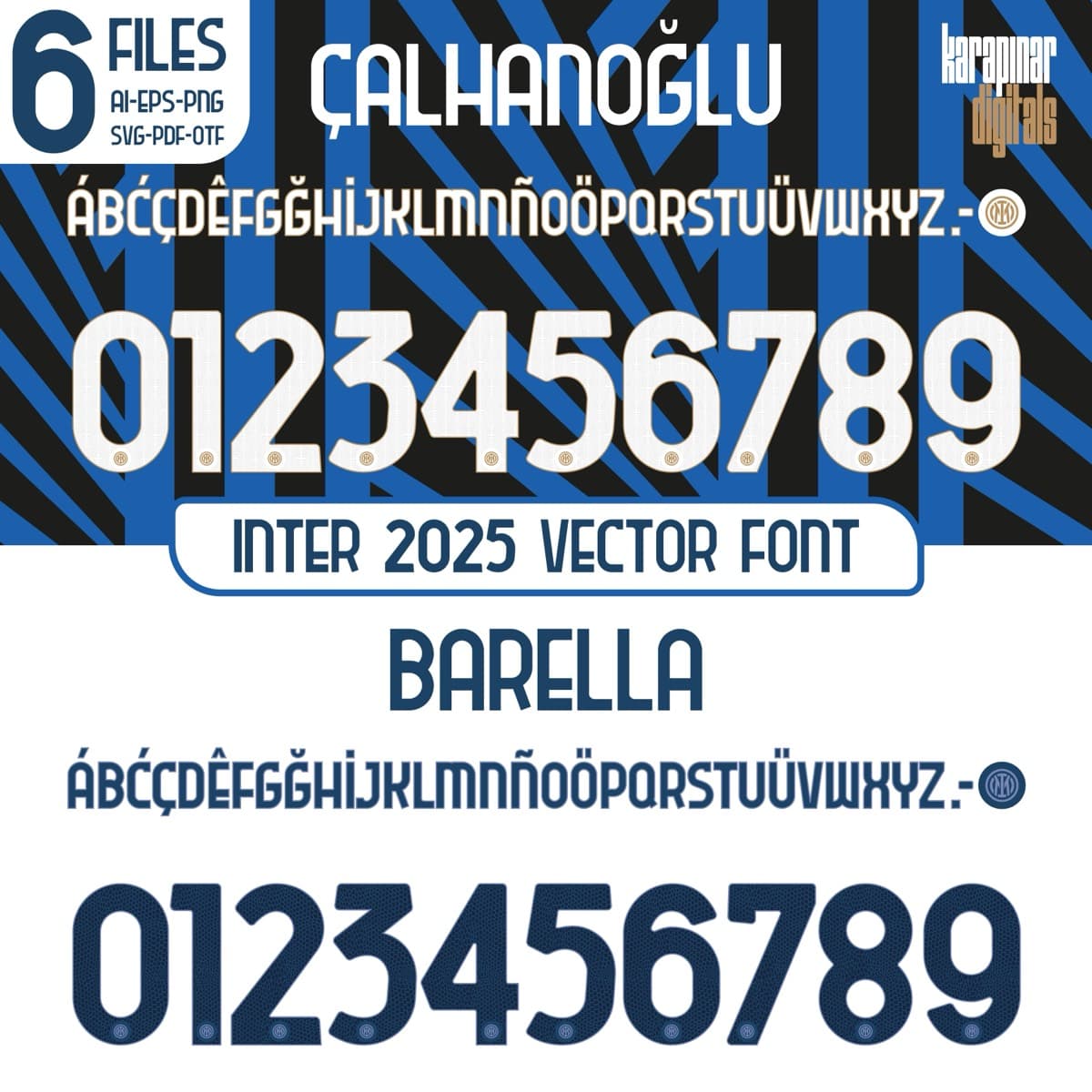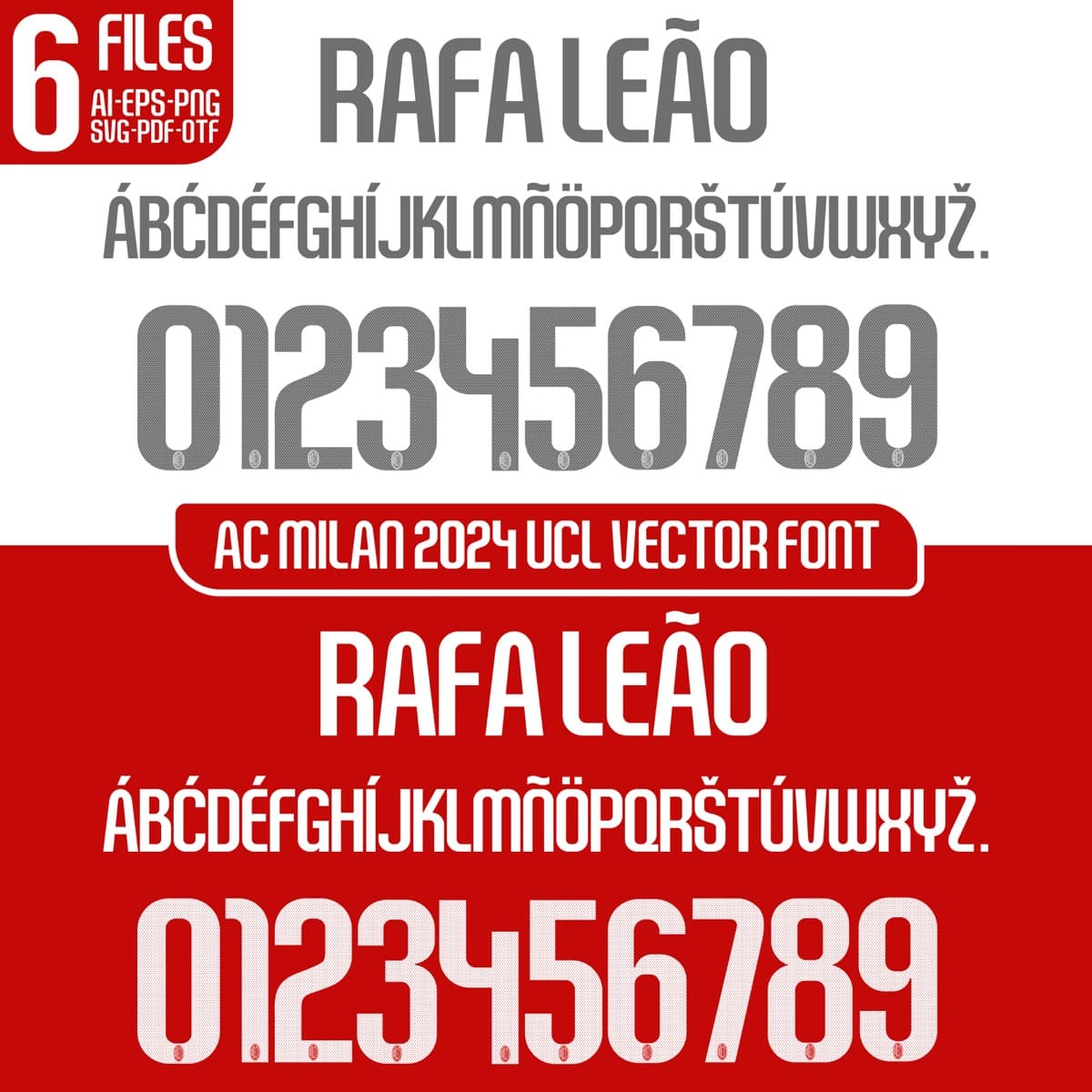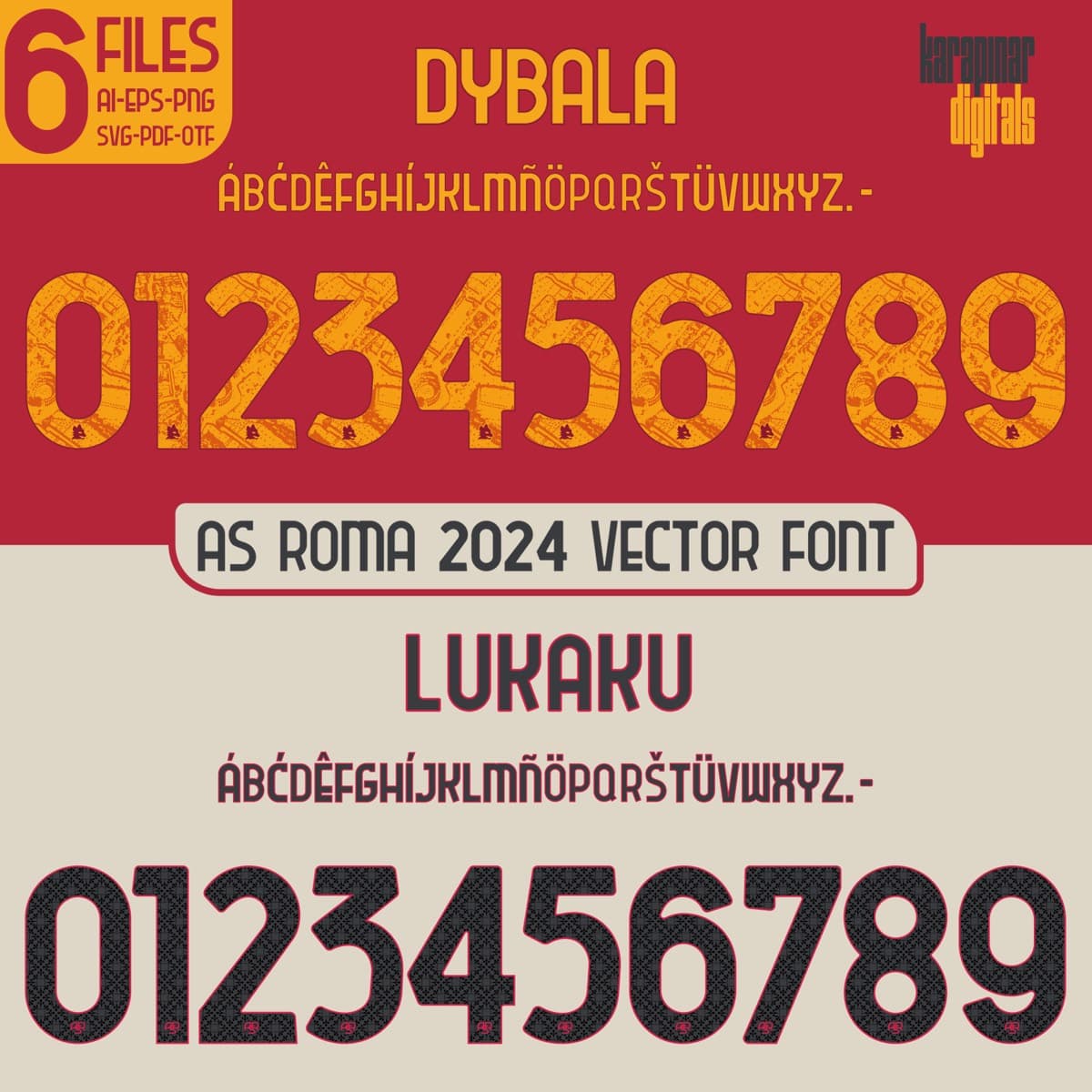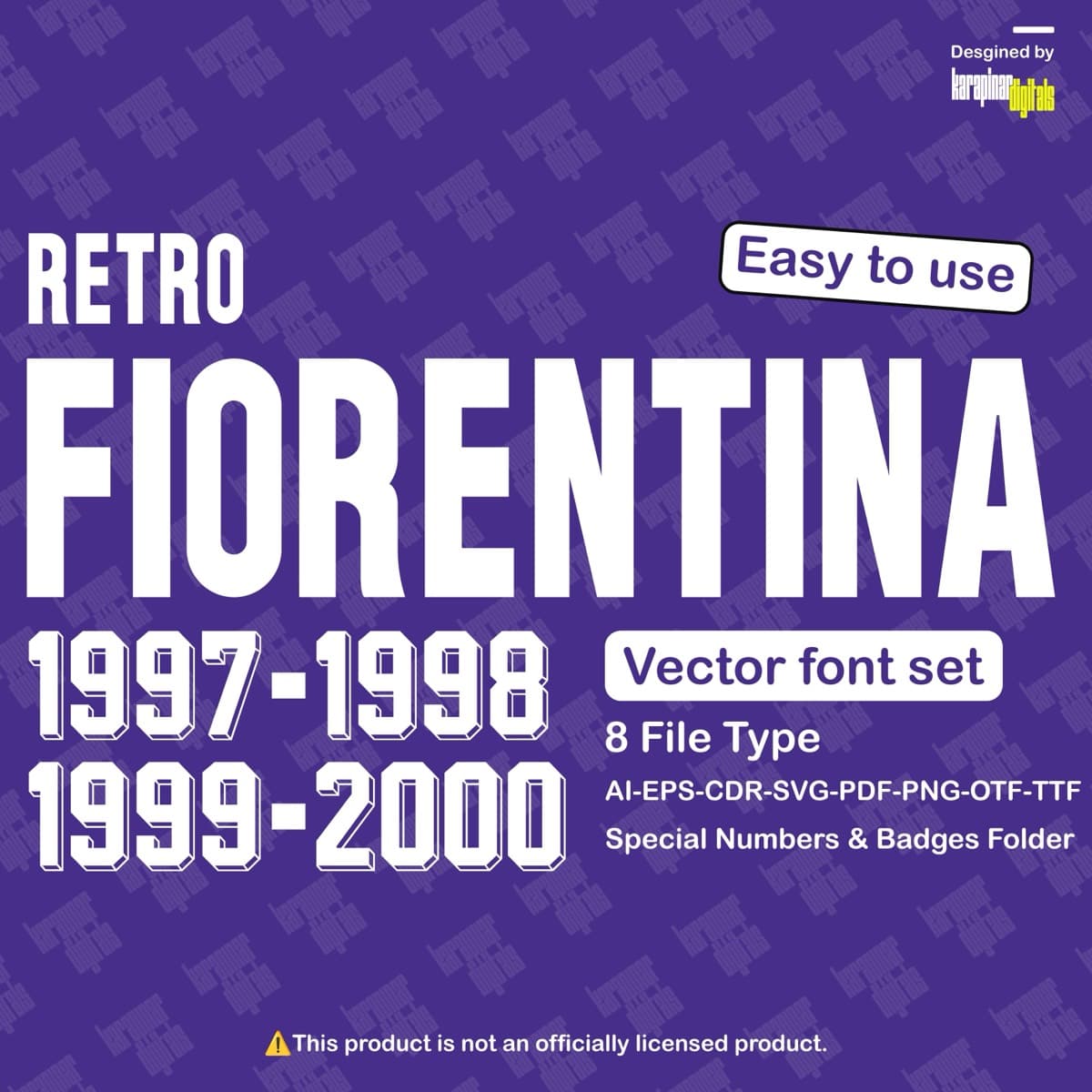
Fiorentina 1997–00
Fiorentina Retro · 1997–00
An independent design product — an original reconstruction inspired by sports aesthetics. Not affiliated with, endorsed by, or licensed from any club, league or brand; names are for identification only.
Secure payment · instant delivery
What’s included
- —OTF desktop font
- —TTF desktop font
- —Install guide
- —Usage document
Preview only — source font remains protected.
01 · SPECIMEN
Proofing room
Type anything before you buy — this is the file itself.
Ink
Surface
Quick proofs
NUMBERS & BADGES
Numbers & Badges
The print-ready layer of the set — back-of-shirt numerals and sleeve badges, included as PNG and SVG.
- Formats
- PNG · SVG
- Coverage
- Complete 0–9 numeral set
- Transparent — ready to cut

00

01

02

03

04

05

06

07

08

09
GLYPHS
Glyph map
Every character inside the file — the complete inventory, read from the font itself.
—
glyphs · Tap a glyph to enlarge
* Uploadable font support in Canva is limited.
Fiorentina 1997–00
A set inspired by the Fiorentina Retro 1997–00 jersey typography, with a name and number system redrawn for print and screen. Original curves, consistent weight and a complete 0–9 numeral family.
Every letter is the actual font you buy — try your name and number live in the Font Lab above. Independent product; names are for identification.
Specs
- Version
- 1.0
- Updated
- 1997–00
- League
- Serie A
- Category
- Fiorentina Retro
- Set
- K.D. 52
Which files are included?
OTF and TTF fonts, SVG/EPS/AI vectors, a PDF specimen, install guide and license document.
Can I use it for client work?
Yes — you can use it in your own and client projects and in print. The scope is in the usage document included with the download.
Does it include lowercase?
Jersey sets focus on uppercase + numerals; the glyph map shows exactly what this set includes.
Does it work with Cricut / Silhouette?
Yes — the SVG and EPS vectors are compatible with cutting machines.
Is this an official club product?
No. It is an independent product; names are used for identification only.
How do I install it?
Double-click the OTF/TTF and choose ‘Install’; a step-by-step guide is also in the package.